Best Beginner Sewing Machine · Sewing + embroidery combos

Best Sewing and Embroidery Machine for Beginners

The best sewing and embroidery combo for beginners is the Brother SE700, a full sewing machine with a 4×4-inch embroidery unit, 135 designs and wireless design transfer. If you want 5×7-inch designs and more sewing features, the Brother SE2000 is the bigger step. A combo makes sense when you want both kinds of work but only have room or budget for one machine.

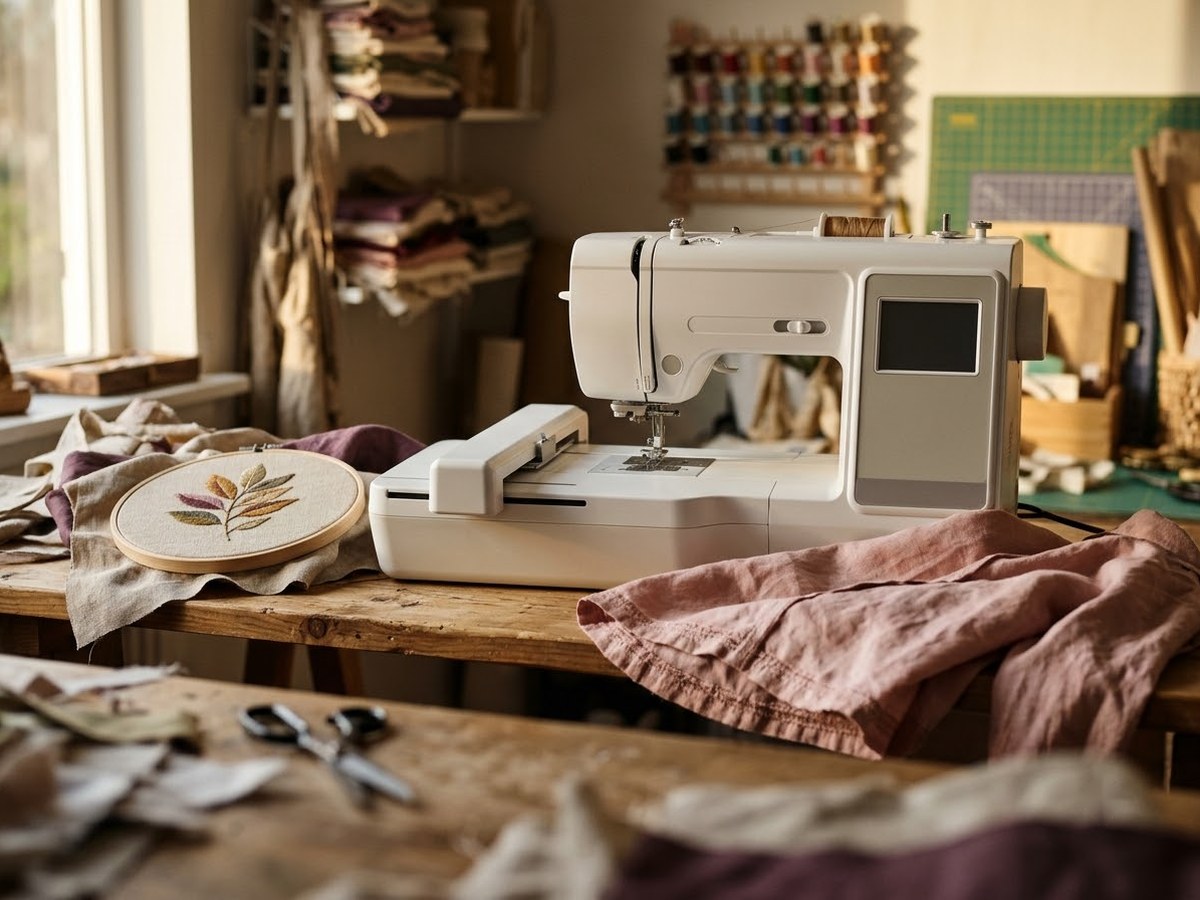
Combination sewing and embroidery machine with its embroidery unit attached beside a hoop and a sewn shirt

Our top 3

Top picks at a glance

Best overall combo#1
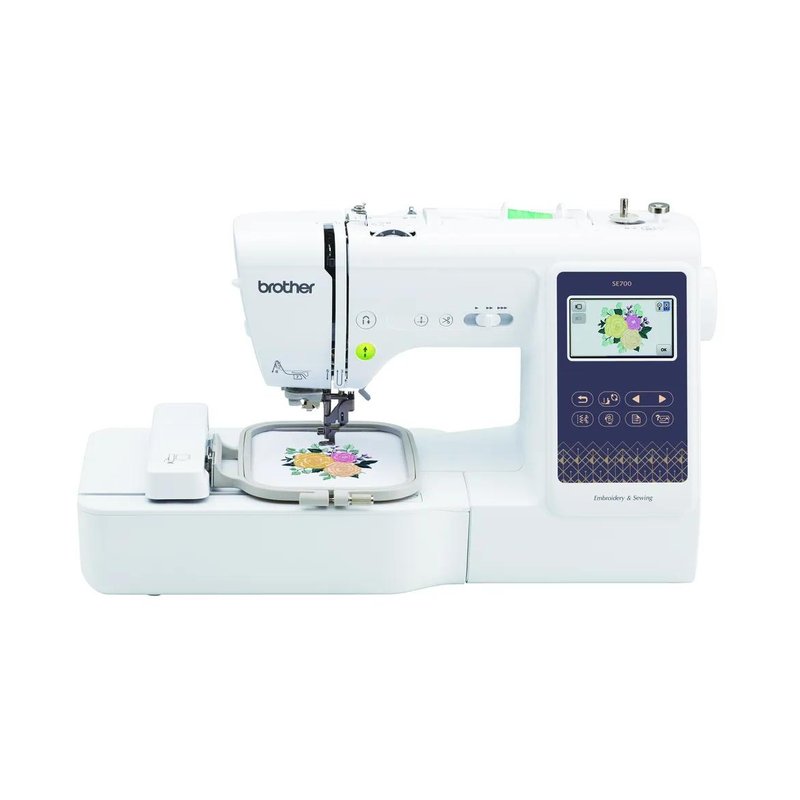
Brother SE700 machine

Brother SE700

Premium price range

103 sewing stitches, 10 one-step buttonholes, 135 designs and a 4×4-inch field in one machine.

See features ›
Best 5×7 combo#2
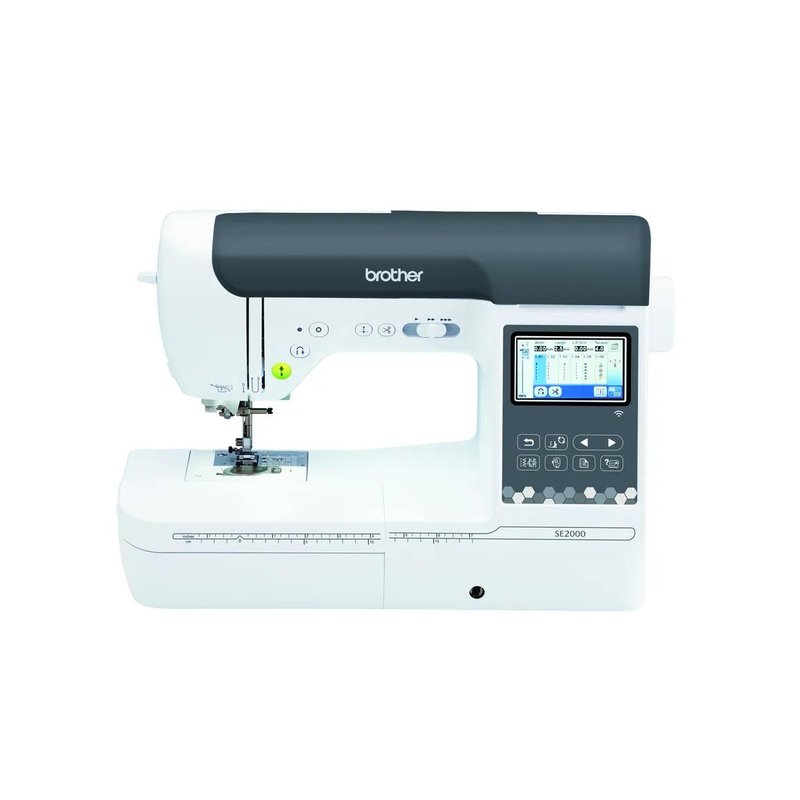
Brother SE2000 machine

Brother SE2000

Premium price range

241 stitches, a knee lifter and a 5×7-inch field for people who sew and embroider a lot.

See features ›
Biggest screen#3
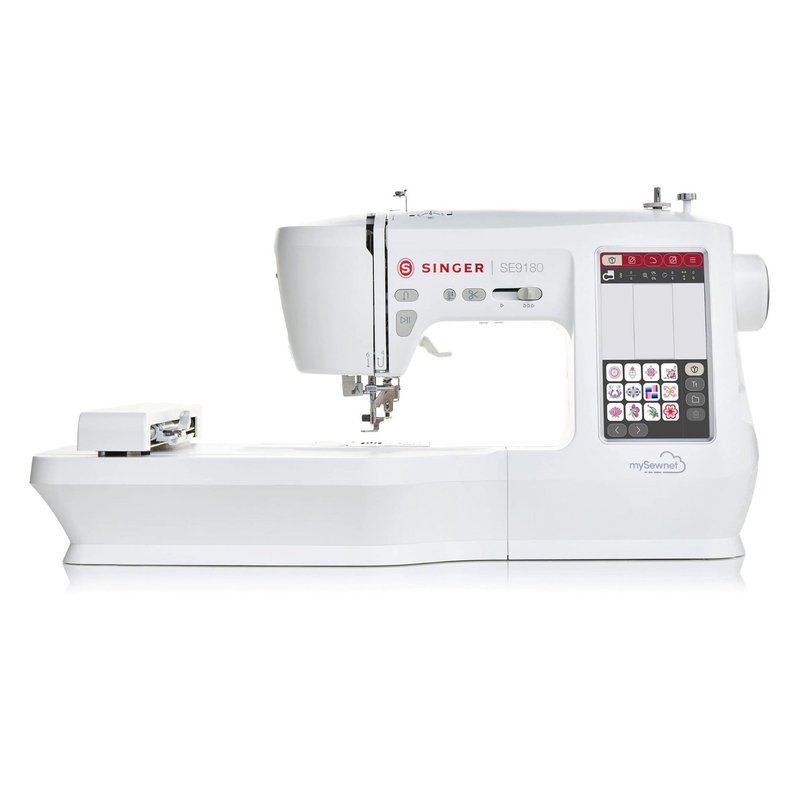
Singer SE9180 machine

Singer SE9180

Premium price range

A 7-inch touchscreen and about 7 x 4.7 inches of embroidery room per Singer’s FAQ (included hoop 170 x 100 mm); designs load by USB.

See features ›

In detail

Who each one suits

Specifications are each brand’s own; fit notes draw on sewing educators, brand manuals and independent reviews. We have not tested or used these machines ourselves.

Best overall combo#1

Brother SE700

The SE700 is a full sewing machine with a 4×4-inch embroidery unit, which makes it the most flexible first machine for anyone curious about embroidery. NBC Select calls it its best multitasker for beginners, and Brother adds wireless design transfer and the free Artspira app.

Why it stands out

  • 103 sewing stitches, 10 one-step buttonhole styles, 135 embroidery designs and 10 fonts (Brother).
  • Color LCD with simple on-screen editing; designs arrive by wireless LAN, Brother’s free PC software or the Artspira app.
  • Automatic thread cutter, advanced needle threader, 4×4 hoop, 8 feet and a 25-year limited warranty.
TypeSew and embroider, 4×4 in field
Stitches / designs103 stitches, 135 designs
ThreadingAdvanced threader, auto thread cutter
Buttonhole10 one-step styles
In the box4×4 hoop, 8 feet, wireless design transfer

Good fit if

  • You want one machine for seams and small embroidery: names, monograms, patches.
  • You like sending designs wirelessly instead of using USB sticks.

Skip it if

  • You already know you want designs larger than 4×4 inches — look at the SE2000.
  • You already own a good sewing machine and only want embroidery — the PE545 costs less.

Brother’s page describes a 3.2 x 1.8-inch color LCD; some listings say 3.7 inches. Check the product page.

Best 5×7 combo#2

Brother SE2000

The SE2000 combines a full-featured sewing machine with a 5×7-inch embroidery field. It replaces the SE1900, a frequent embroidery pick that Brother now lists as discontinued, and adds a knee lifter and 241 stitches for people who sew a lot.

Why it stands out

  • 241 sewing stitches, 10 one-step buttonhole styles, 193 designs and a 5×7-inch field (Brother).
  • Knee lifter, automatic needle threader, jump-stitch trimming and up to 850 stitches per minute.
  • Wireless LAN and Artspira transfer; 3.7-inch LCD with on-screen editing.
TypeSew and embroider, 5×7 in field
Stitches / designs241 stitches, 193 designs
ThreadingAuto threader, jump-stitch trimming
Buttonhole10 one-step styles
In the box5×7 hoop, knee lifter, wireless transfer

Good fit if

  • You want one footprint for serious sewing and 5×7 embroidery.
  • You sew garments or quilts and want to add embroidered details.

Skip it if

  • You only want embroidery — the PE900 gives the same field for less.
  • You want to stay in the Mid-range tier.

Brother’s product data lists 13 embroidery fonts in one field and 5 in another (likely sewing lettering fonts).

Biggest screen#3

Singer SE9180

The SE9180 is a sewing and embroidery combo with a bigger touchscreen and a larger field than a 4×4 machine. Singer lists a 7-inch color touchscreen, 150 designs and more than 250 stitches, and it loads your own designs from a USB stick in .VP3 format.

Why it stands out

  • Embroidery area of about 7 x 4.7 inches per Singer’s FAQ; the included hoop is 170 x 100 mm.
  • 7-inch color touchscreen, automatic needle threader and automatic thread cutter (Singer).
  • 150 built-in designs, 10 fonts and 250+ sewing stitches; 90-day / 2-year / 25-year warranty.
TypeSew and embroider, about 7×4.7 in
Stitches / designs250+ stitches, 150 designs
ThreadingAuto threader, auto thread cutter
ButtonholeNot listed by Singer
In the box170×100 mm hoop, 7 in touchscreen

Good fit if

  • You want a combo with a larger screen than the Brother SE700.
  • You want more embroidery room than 4×4 without paying 5×7 Brother prices.

Skip it if

  • You want dependable wireless transfer — Singer’s own page contradicts itself on Wi-Fi.
  • You want a machine with many independent reviews.

Singer’s FAQ says the SE9180 is not Wi-Fi enabled and transfers designs by USB, while its feature list mentions Wi-Fi through the CREATIVATE app. Plan on USB.

Want one machine for seams and monograms?

A combo sews like a regular machine with the embroidery unit off, and embroiders with it on. Check the product page for exactly what comes in the box.

See ratings & reviews ›

Tips

Three things that make the difference

01

Decide on field size first

Brother lists 4×4 inches for the SE700 and 5×7 inches for the SE2000. The field is the largest design you can stitch in one hooping, so it decides what you can make.

02

Check how designs get in

Brother says the SE700 and SE2000 take designs over wireless LAN and the Artspira app. Singer says the SE9180 imports .VP3 files from a USB stick.

03

Remember the sewing side

You will use the sewing features most days. The SE700 has 10 one-step buttonhole styles and the SE2000 adds a knee lifter, according to Brother.

Honest note

A combo is one machine doing two jobs, so while it embroiders you cannot sew on it. If you plan to do long embroidery runs and sew at the same time, two machines can be more practical.

FAQ

Questions people ask

Is a sewing and embroidery combo good for beginners?

Yes, if you want both. Brother calls the SE700 the ideal machine to start a sewing and embroidery journey, and NBC Select names it its best multitasker for beginners. If you only want to sew, a regular machine costs less and is simpler.

Can a combo machine be used as a normal sewing machine?

Yes. The SE700 has 103 built-in sewing stitches and 10 one-step buttonhole styles, per Brother, so it works as a regular machine without the embroidery unit attached.

Which is better, the SE700 or the SE2000?

The SE700 for most beginners because it costs much less; the SE2000 if you want 5×7-inch designs, 241 stitches and a knee lifter. Brother lists both with wireless transfer and a 25-year limited warranty.

Does the Singer SE9180 have Wi-Fi?

Singer’s own page is contradictory: its FAQ says the SE9180 is not Wi-Fi enabled and that designs transfer by USB, while its feature list mentions Wi-Fi through the CREATIVATE app. Plan on using a USB stick.

Can I add an embroidery unit to a regular sewing machine later?

We found no brand statement offering an add-on embroidery unit for the regular Brother or Singer machines on this site, so if embroidery is likely, choose a combo.

What file format do combo machines use?

Brother machines use .PES files, and Singer says the SE9180 imports .VP3 files. Many design sellers offer several formats, so pick the one your machine reads.

Sew the seams, add the monogram, all on one machine

Want the full picture? See our best beginner sewing machine picks, compared by project, and the FAQ on features, fabrics and care.